The next release of Box64 is finally out. Many fixes, a new Dynarec backend and Vulkan overlay support… Let’s dig in.
Many fixes and improvements to Dynarec
A lot of work has been done to fix issues. It can be in the dynarec where many opcodes got their behavior fixed, or many speed regressions introduced in previous versions that were identified and corrected. Some work on global infrastructure also made new games work and run in a more efficient way.
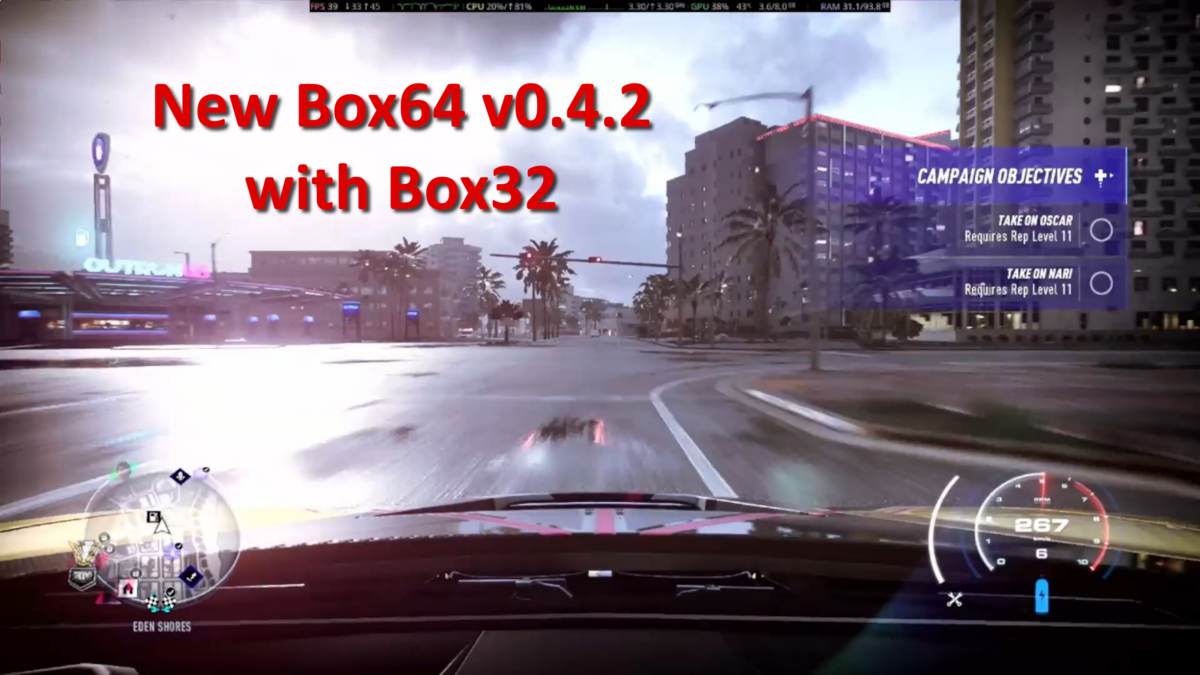
A new method to handle DIRTY=2 is introduced in the release. To explain how this change works, we first need to explain what this mode tries to prevent. Box64’s Dynarec works by converting chunk of x64 code to equivalent chunk of native code, and each time the game wants to execute this chunk of code, box64 will run the converted code instead. That works nicely for most programs…. but what happens if a program changes the code actually executed? This can happen when some DRM or Obfuscation is involved. And this is when it gets more complicated for emulators: how to detect that the code that is already converted has changed, and so the converted piece of code needs to be discarded and generated again? The solution to this is to write-protect the memory of the original code that was converted. If the program tries to change the code, an error will be triggered. Error that will be catched by box64 to warn it that the code has changed. Box64 will then take appropriate measures (to flag generated block that might need to be discarded) and then remove the write protection to let the program do its thing. This works well, but all the error handling can lead to some slowdown if the program exaggerates rewriting the code area it is executing. So in this case, DIRTY=1 and DIRTY=2 can be used to try to mitigate that speed issue. The new DIRTY=2 uses a new concept: for areas that have a lot of written & executed code, the memory will no longer be written-protected. And to still make sure that the generated code is still valid, the piece of generated code will check itself if the area of code it covers has changed. This is called AutoCRC, and while it can be slower for most cases, in the rare cases when the program exaggerates rewriting code it executes, this new mode can be much faster. For example, Need for Speed Heat is almost 2 times faster with this new mode!
Vulkan overlay and SteamRT3
One of the big new feature of box64 v0.4.2 is x86-64 Vulkan overlay support. That means, when using a proper installation of Linux Steam, that the GameOverlayUI is available. The Fossilize overlay is also available. That means less stuttering in games, and for some titles, when the video codec is handled by Fossilize, all the videos will now be shown. Like most of the Capcom Games where some videos might have been missing with previous version.
This Overlay support is available on all backend and even in interpreter-only build. You will notice it’s enabled for Steam games on all 3 videos of this release.
Note that some of the overlay features might not be working yet, like the video capture, or some indicators depending on the GPU drivers.
Speaking of Steam GameOverlayUI, the new beta 64bit client of steam, named SteamRT3, works on box64. So you can enjoy more stable downloads and an overall 64bit version of the Steam client with Box64 (note that building Box64 with Box32 is still advised, even when using SteamRT3, as there are always some 32bit stuffs, or games, at some point that will need Box32).
Side note: if you used the box64 way to install steam with install_steam.sh a long time ago and you notice that steam games are not launching, then you might have to remove ~/steam folder and launch install_steam_.sh again, to refresh the bootstrapper.
Arm64 changes
SO, lots of fixes and improvements on this backend. AutoCRC is handled there. But also many new opcodes fixes. That makes more games and softwares to run fine, and faster than before. For example, StarCraft 2, using the Battle.Net launcher, now works. There have been speed regressions fixed also, making 32bit games runs faster. Watch the video for a few examples of games running, including some games that were shown in previous version but are running faster now.
Loongarch changes
Similar to the Arm64 backend, many fixes and improvements on this Dynarec backend. AutoCRC is also handled, and most of the speed regressions corrections from Arm64 backend are also present there. Along with many individual opcodes fixes, most games are also running there. For example, the Ubisoft Connect launcher runs now, along with Steam & Battle.Net, opening new way of playing your games on this platform. In the video below, you can see many new working games, and how well they run. My test platform was updated also there, and I’m now using an 3B6000, a processor with 12 physicals cores and 24 logical ones. And even with the slightly slower cpu frequency (2.2 GHz instead of the 2.5 of the previous 3A6000), this new platform is ultimately faster in game.
RISC-V changes
Not as much changes on this architecture than on the 2 others. While there have been some fixes and improvments, AutoCRC is not handled there yet, and the compatibility is not yet at the same level as with Loongarch or Arm64.
Still, SteamRT3 and the Vulkan overlay are supported, and a few more things are running on this Platform.
The test platform has not evolved, still a Pioneer Milk-V equipped with an AMD RX550. That GPU that is starting to shows its age on some games btw, and is getting more and more a limiting factor to what can and cannot be run on this platform…
New PPC64LE backend
Also new this release is a new, still in a Work-in-progress state, Dynarec backend: PPC64LE. Some contributions have been done by a new box64 user to create a new backend for PowerPC machine. Only those machines that can run in the PPC64LE mode are supported. Neither @ksco, @rajdakin nor me have access to this machine, so this will be a contribution only Backend for now. No test and no videos by the core team, but it’s exciting to see new horizons opening up for box64!
Conclusion
With improved support for Steam (and SteamRT3), Ubisoft Connect, Battle.Net (and other launchers like Rockstar, EA or Origin too), you have more ways to run your games on ARM64, Loongarch and RISC-V (and soon, on PowerPC too).